Best AI Manga Colorization Tools in 2026, Ranked & Compared
An honest comparison of every approach to colorizing manga in 2026 — from manual Photoshop work to AI-powered bulk tools. Which one is right for your project?
 Watashi Games|
Why Tool Choice Matters
The manga colorization landscape has changed dramatically. Five years ago, your only options were hiring a professional colorist or spending days in Photoshop. Now there are AI tools that can process entire chapters in minutes.
But not all tools are equal. Some are designed for single illustrations. Others can handle bulk chapter work but produce inconsistent colors. The right choice depends on your volume, budget, and quality requirements.
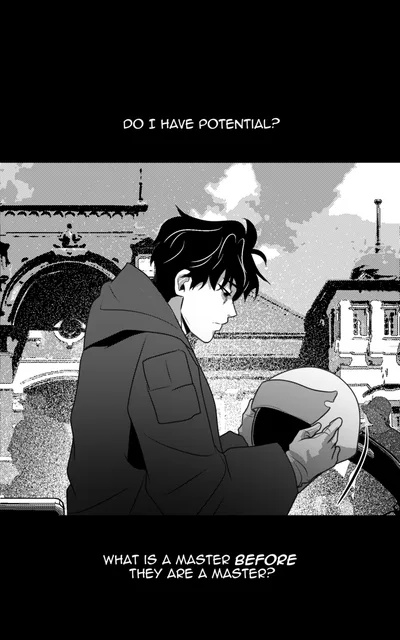
B&W
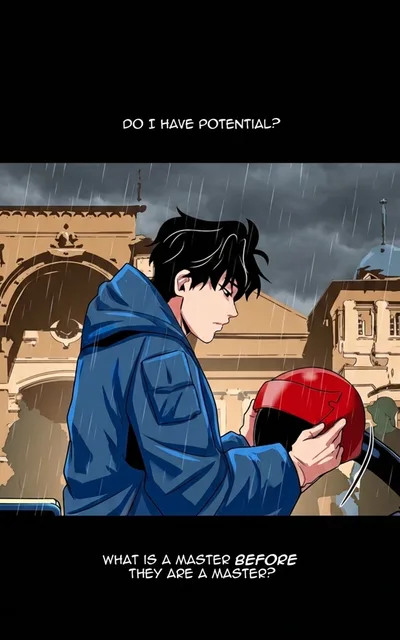
Color
Manual Colorization (Photoshop / Clip Studio Paint)
The traditional approach: a skilled artist paints over each panel by hand using tools like Photoshop, Clip Studio Paint, or Procreate.
Pros
- Full creative control over every pixel
- Can achieve any artistic style
- No AI artifacts or inconsistencies
Cons
- Extremely time-intensive (2-4 hours per page)
- Expensive to outsource ($10-50 per page for professional work)
- Impractical for bulk chapter work
Best for: Cover art, key illustrations, or small projects where you need precise artistic control.
Standalone AI Colorizers
Several standalone tools offer AI-powered colorization: Petalica Paint, Style2Paints, and various research demos. These typically process one image at a time through a specialized neural network.
Pros
- Fast processing per image
- Some are free to use
- Decent quality for single illustrations
Cons
- No cross-panel color consistency
- No batch processing — one image at a time
- No character palette system
- Often struggle with complex scenes, dark art, or detailed backgrounds
Best for: Quick one-off colorizations, social media posts, or experimentation.
Watashi Colorizer
Built specifically for bulk manga and webtoon colorization. Uses virtual image splitting to maintain context across pages and character palettes for color consistency.
Pros
- Bulk processing — entire chapters at once
- Cross-panel color consistency via smart batching
- Character palette enforcement keeps colors accurate
- Virtual image splitting preserves detail (no squashing)
- Edit mode for per-image adjustments
- BYOK option for teams with their own API keys
Cons
- Requires credits (not free for bulk use)
- AI output still requires occasional manual touch-ups
- Less artistic control than manual colorization
Best for: Scanlation teams, webtoon creators, and anyone who needs consistent colorization across entire chapters.
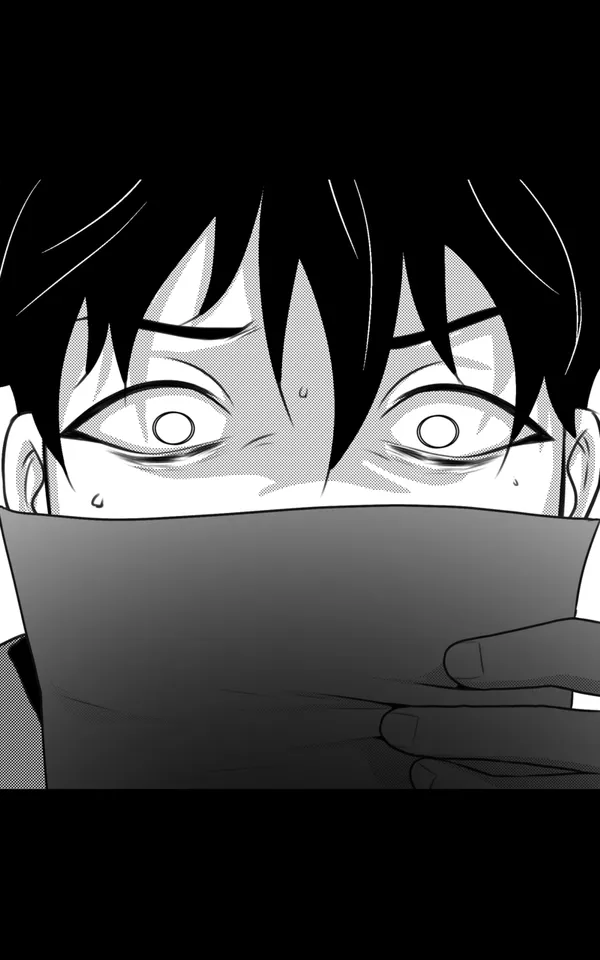
B&W

Color
Feature Comparison
| Feature | Manual | Standalone AI | Watashi Colorizer |
|---|---|---|---|
| Bulk processing | No | No | Yes |
| Cross-panel consistency | Yes | No | Yes |
| Character palettes | No | No | Yes |
| Per-image edit mode | Yes | No | Yes |
| Speed | 2-4 hours | Seconds | Seconds |
| Cost per page | $10-50 | Free-$1 | $0.03-0.13 |
The Bottom Line
If you're colorizing a single illustration for a social media post, any tool will work. If you're colorizing chapters or full series, you need a tool designed for bulk work with color consistency built in.
Watashi Colorizer was built by a webtoon creator who needed to colorize 20 chapters and couldn't find a tool that maintained consistent colors. That's the problem it solves.