Colorize Entire Chapters
Not Just Panels
Bulk colorization with consistent character palettes and 30+ language translation. Upload your chapter, colorize every page, and publish.
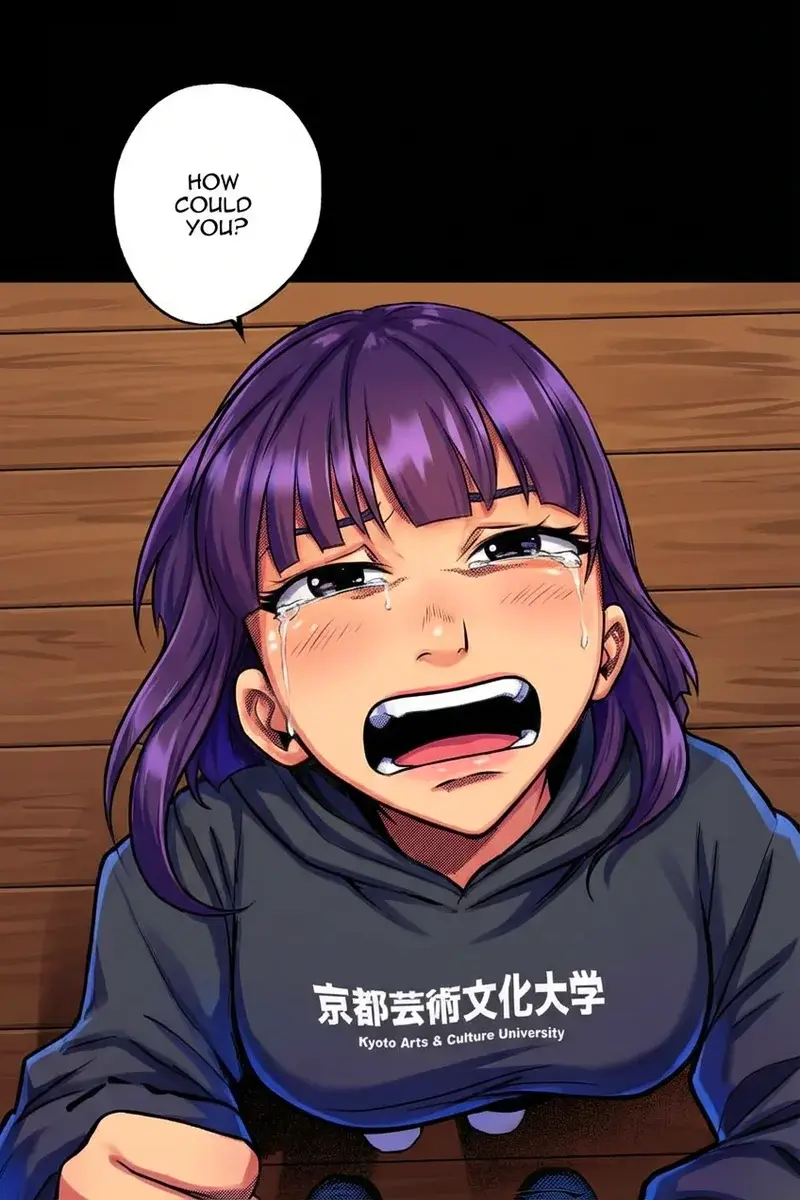
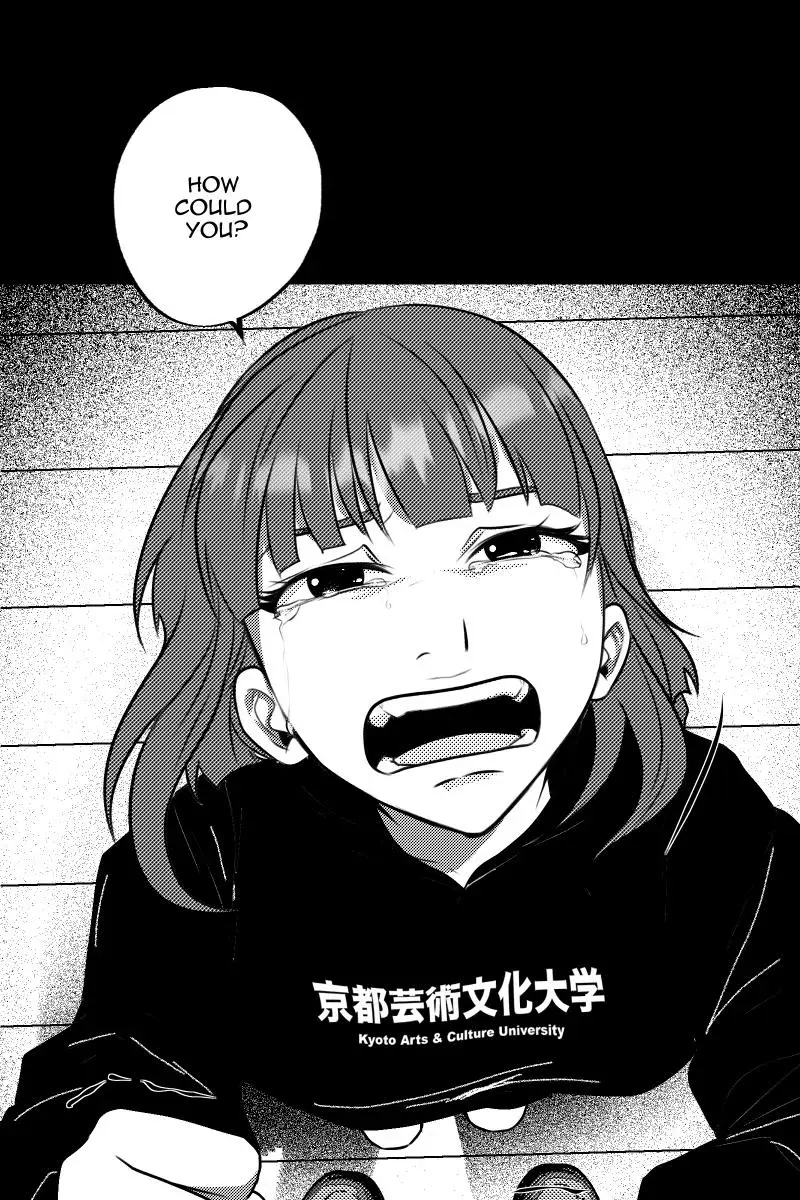
Upload 50+ pages. Get them all back colorized.
Most colorization tools make you upload images one by one. Watashi Colorizer handles entire chapters in a single upload. Drag and drop your full chapter, and every page comes back at the exact same resolution — perfect for publishing straight to Webtoons, Tapas, or any platform.
Built for Webtoon Creators
Not just another filter. Purpose-built colorization that understands vertical scrolling formats.
Bulk Chapter Upload
Upload your entire chapter at once — 10, 30, 50+ pages. No more uploading one image at a time. Get them all back colorized together.
AI Translation
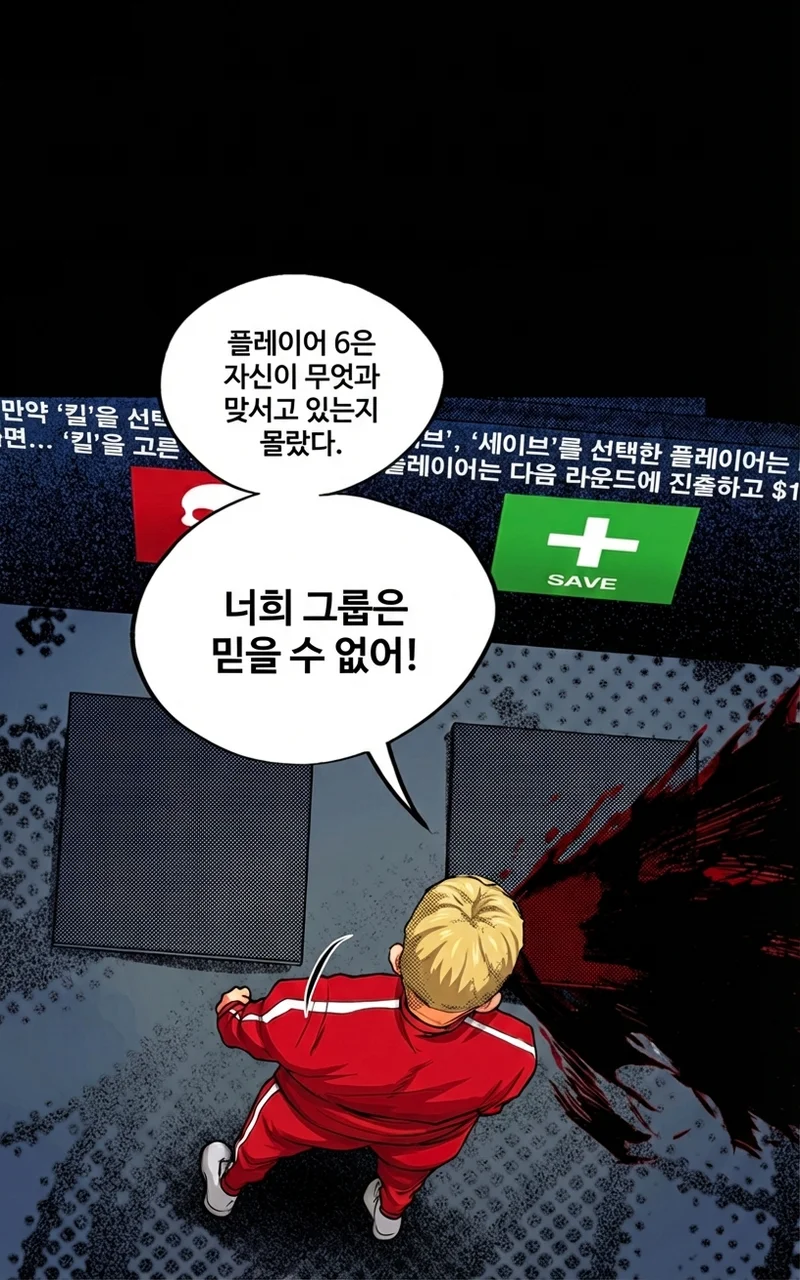
Translate your colorized manga into 30+ languages. Text is detected, translated, and rendered directly onto the image.
Pixel-Perfect Output
Output matches your input dimensions exactly. No downscaling, no compression. Upload 800x1280, get back 800x1280 — ready to publish.
Consistent Colors
Character palettes keep hair, eyes, and outfits the same color across every page. Set it once, apply it everywhere.
See the Difference
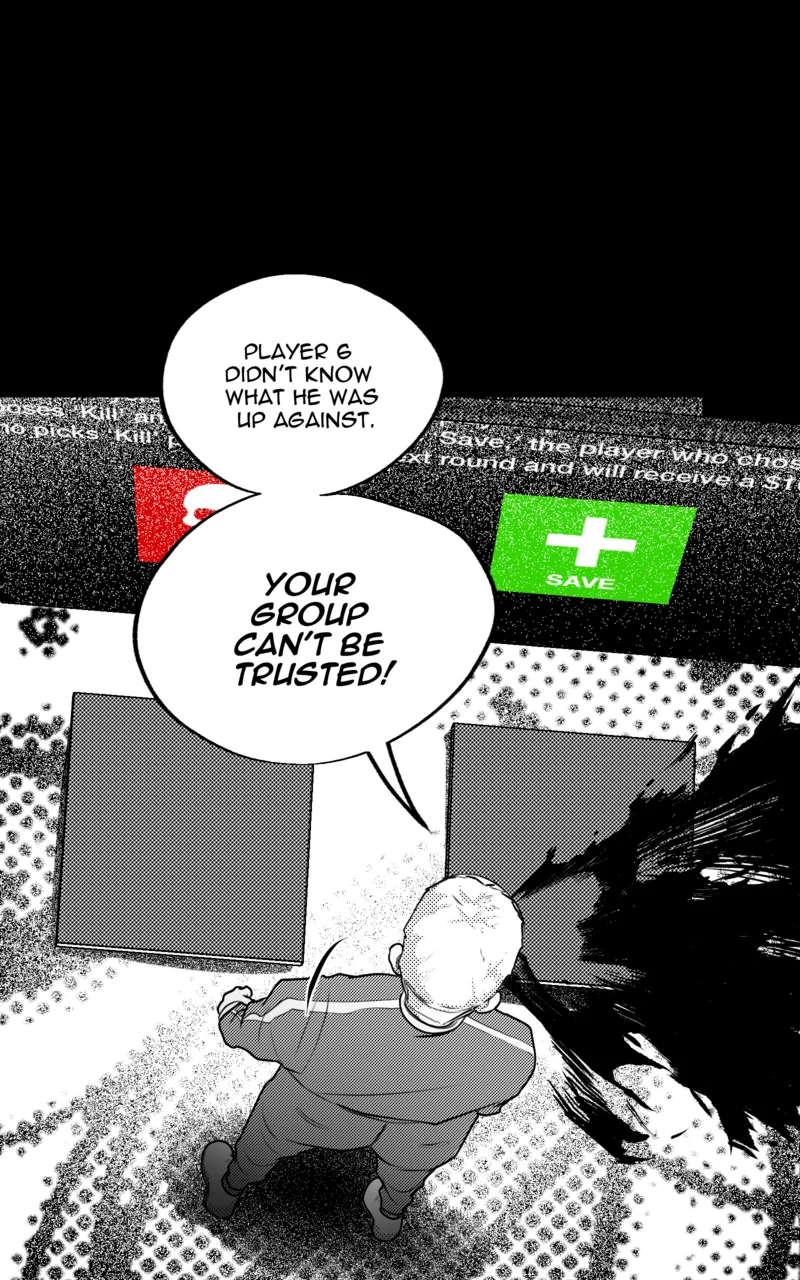
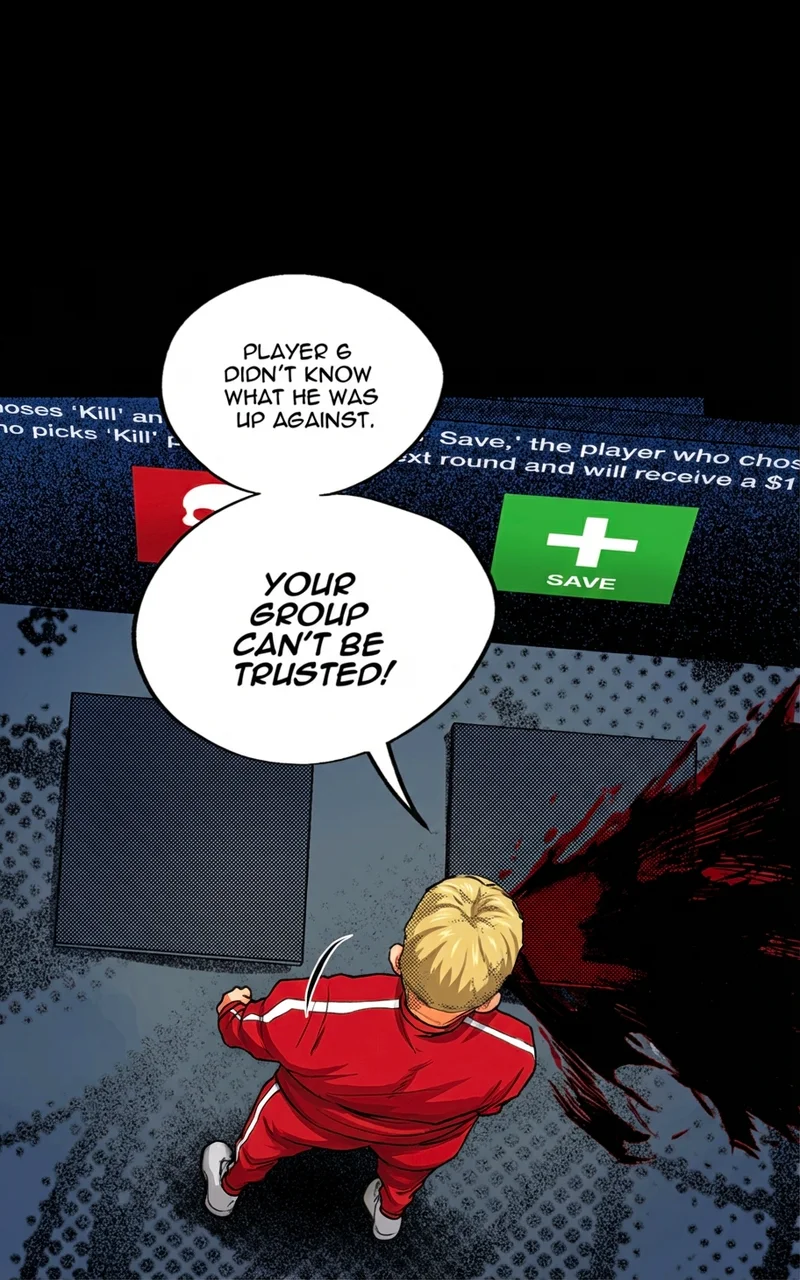
Drag the slider on any image to compare original and colorized versions.

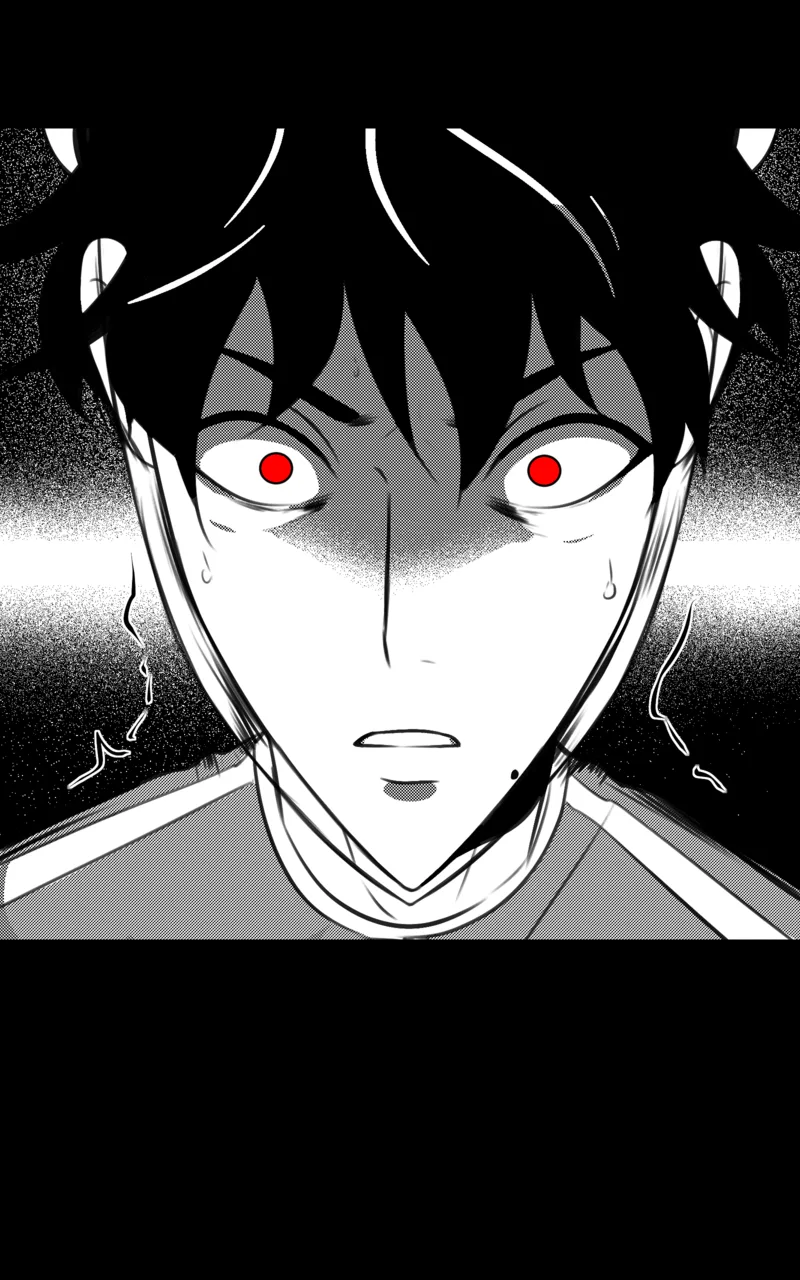
From Black & White to Any Language
Colorize your manga, then translate the text into 30+ languages — all in one tool.
How It Works
Four steps. That's it. Upload your chapter and get full-color, translated results in minutes.
Upload Your Chapter
Drag and drop your entire chapter. 50+ pages at once. Supports PNG, JPG, and WebP.
Automatic Colorization
Smart panel splitting groups related scenes. Character palettes keep colors consistent across every page.
Translate (Optional)
Translate your colorized pages into 30+ languages. AI detects text, translates, and renders it directly onto the image.
Download & Publish
Every page comes back at the exact same resolution. Download and publish directly — no resizing needed.
Why Watashi Colorizer?
Whole Chapter, One Upload
Other tools make you upload one image at a time. We handle entire chapters — bulk upload all your pages at once.
Understands Vertical Strips
Built specifically for webtoon-format art. Handles long vertical scrolling pages that break other tools.
No Color Seams
Smart panel detection ensures scenes that span across pages get colorized together. No mismatched colors at boundaries.
Exact Resolution Output
What you upload is what you get back. No downscaling, no upscaling, no compression artifacts. Publish-ready output.
Edit Individual Panels
Not happy with a specific page? Re-colorize individual panels with different settings without touching the rest.
Character Palettes
Define colors for each character once. Hair, eyes, outfits stay consistent across every page of every chapter.
Built-In Translation
Translate colorized pages into 30+ languages without leaving the tool. No copy-pasting text or using external services.
Free Image Enhancement
Sharpen, denoise, and upscale your images at no cost. Three enhancement modes including 2x and 4x resolution scaling — no credits needed.
I was quoted $20,000 to colorize my 20 chapter B&W webtoon — 100% outside my budget. This tool was built by an indie creator, for indie creators.
I looked for existing tools, but nothing worked for vertical scroll webtoons. They all process image by image, losing context when panels span across pages.
This tool saved me $19,900.
Ready to Bring Your Art to Life?
Upload your full chapter. Get every page back in full color, at the exact same resolution. Ready to publish.
No credit card required. 10 free credits to start.